
Every chat in one shared inbox
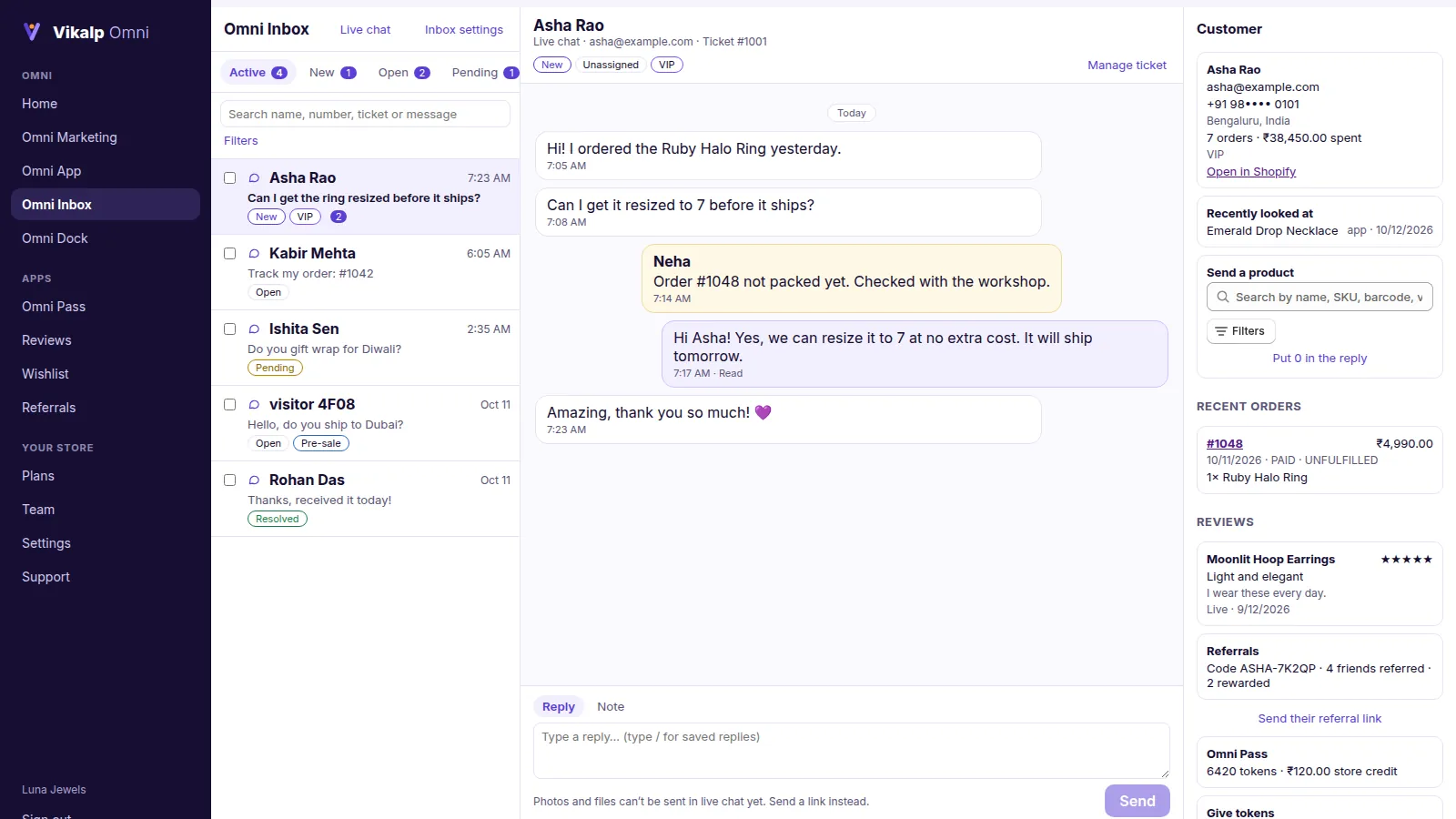
Customers and visitors chat from your website and app. Your team answers from the dashboard or the staff app, with everything about the customer beside the chat.
What you get
Chat everywhere
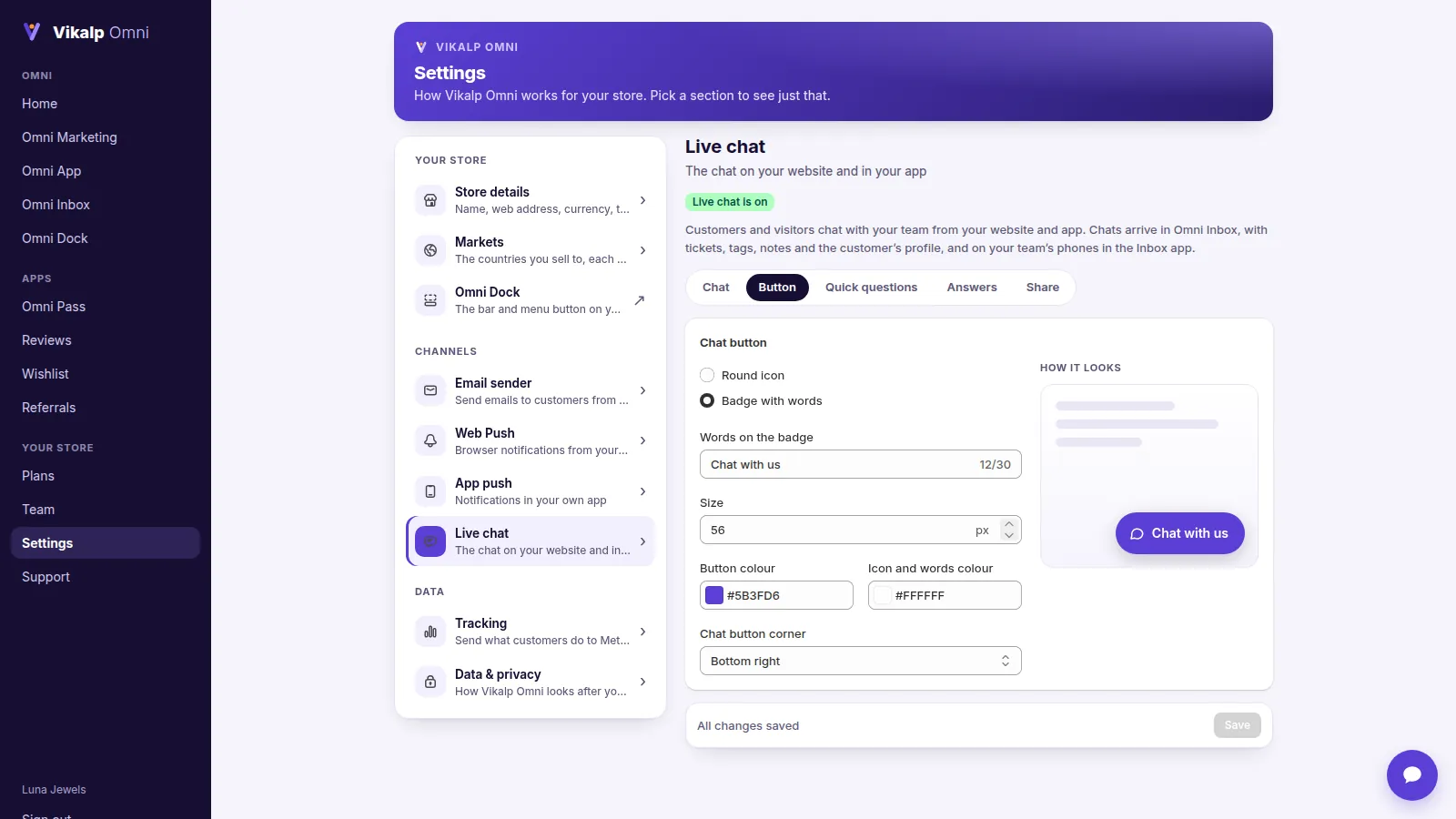
A chat button on every page, a chat page, a link to share, and chat in your own app.
Answers by themselves
Quick questions such as “Track my order” and “Refund status” answer from Shopify, any time of day.
Tickets
Statuses, priorities, tags, notes, assignment and saved replies.
The customer beside the chat
Orders and tracking, cart, saved items, Omni Pass balance, reviews and the pages they looked at.
Act from the chat
Send a product, their cart, a review link or a referral link, or give goodwill tokens.
Privacy for your team
Hide customers’ names, emails and phone numbers from chosen team members.
In every Vikalp Omni plan, from $69 a month · free trial · billed through Shopify
Up and running in minutes
- Turn on live chat in Settings → Live chat.
- Switch on the chat button in Online Store → Themes → Customize → App embeds → Vikalp Omni.
- Invite your team and answer from Omni Inbox.
Questions
Can visitors chat without an account?
Yes. You choose whether to ask for their email first.
Can the team answer from a phone?
Yes, with the Omni Inbox staff app for Android and iPhone.